Poly Lens Add-on
For an overview of how the Poly Lens Add‑on works within HP Workforce Experience, see the WXP Documentation.
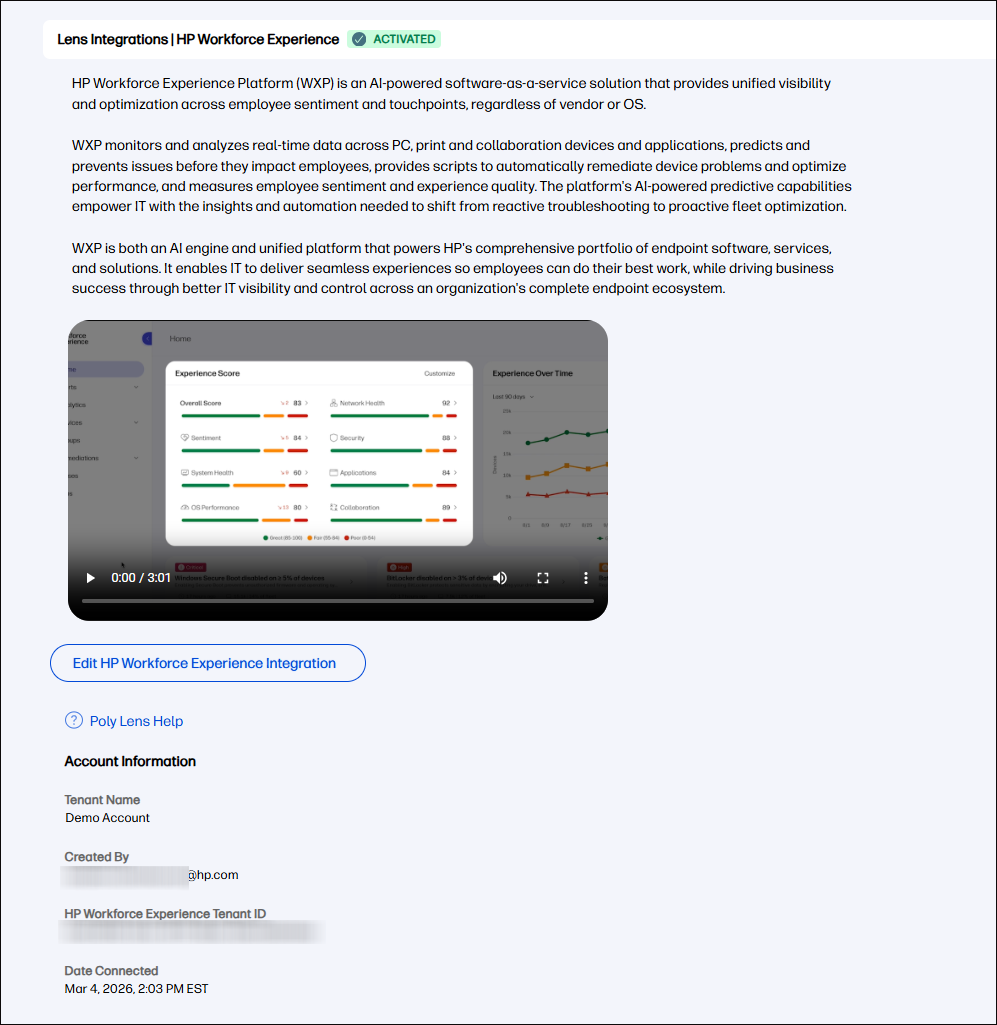
When the Poly Lens Add-on is connected in HP Workforce Experience (WXP), the WXP Integrations page in Poly Lens Cloud now displays Activated read‑only tenant (account) connection details, to help administrators validate and audit the integration. These details confirm which WXP tenant (account) is linked, who created the connection, and when the connection was established.
The following data is displayed in Poly Lens Cloud:
Tenant Name – Name of the connected WXP tenant (account)
Created By – User (email address) who established the WXP–Poly Lens connection
HP Workforce Experience Tenant ID – Unique identifier of the connected WXP tenant (account)
Date Connected – Date and time when the tenant (account) connection was completed